Marinas and water sports businesses
Legionella at the marina: the showers in the harbour building and the taps on the jetty in one logbook, with time, name and result.
The harbour master taps the phone at the tap, the sensor monitors the hot pipe, and the report for the inspector is one click away.
Your situation
What makes a marina difficult
A marina has showers and taps that are busy in summer and quiet the rest of the year, spread over the harbour.
Showers in the harbour building
Outside the high season they are rarely used and belong in the weekly flushing round. A sensor on the hot pipe shows for each round whether hot water came.
Taps on the jetty
Jetty taps are cold water and used irregularly. A tap records the flush with time and name; the sensor does not give temperature evidence per jetty tap.
A busy harbour master
In the season the walking route per jetty is on the phone. A tapped tap drops off the list, and anything left gives an alert.
A season with a closed period
Closed buildings drop out of the round during the closed season. On reopening an extra round past all hot taps is ready.
How it works
Four steps, one line in the logbook


- 1
A tag at the tap
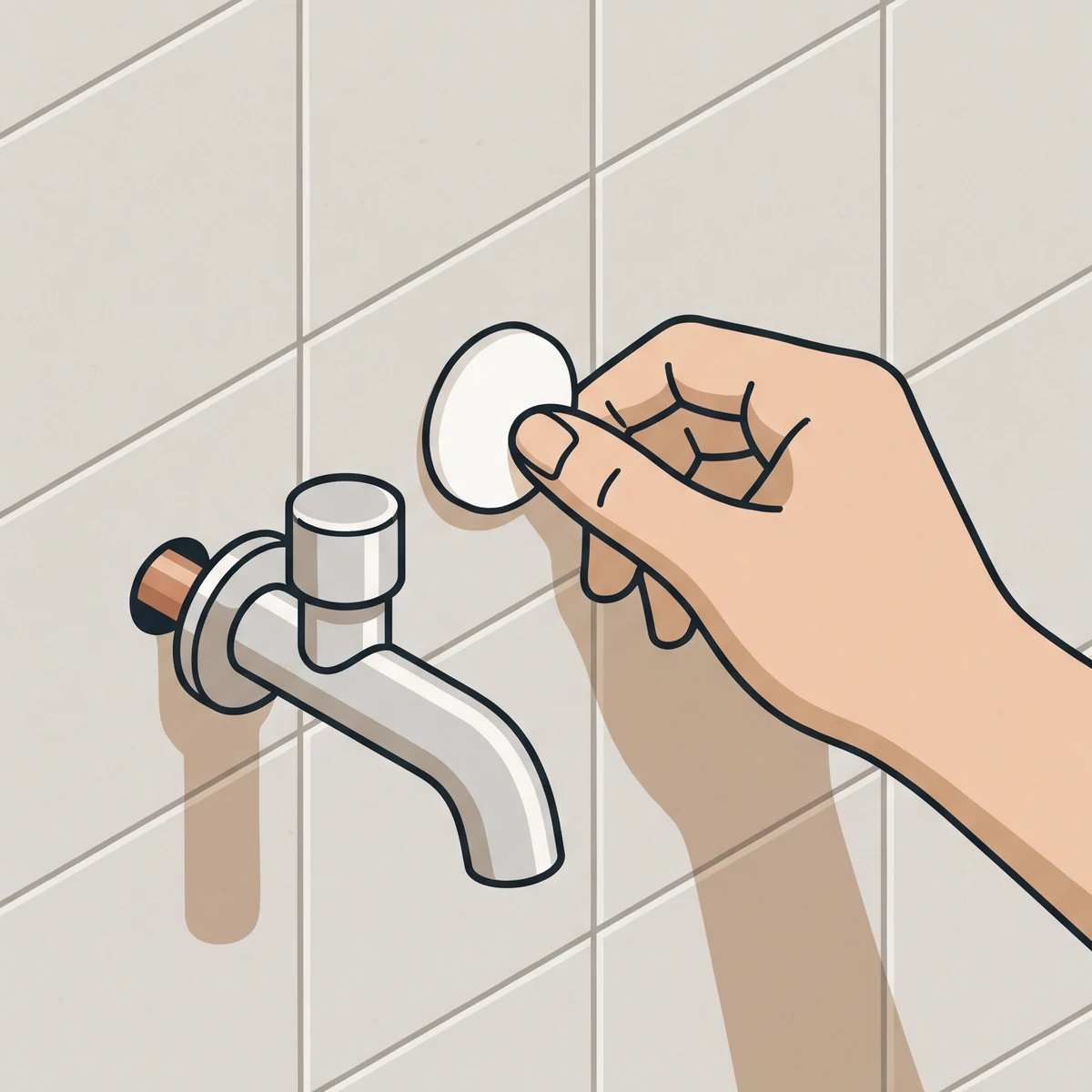
At every tap in the flushing round you stick a tag on the tile, like at shower 2 in the facilities at jetty B. One labelled bag per building; at the first tap you tell the app which tap it is.
- 2
Phone against the tag
Whoever flushes holds the phone against the tag and opens the tap. A timer on the screen counts down the flushing time of your site, one minute by default.
- 3
The sensor sees the hot water
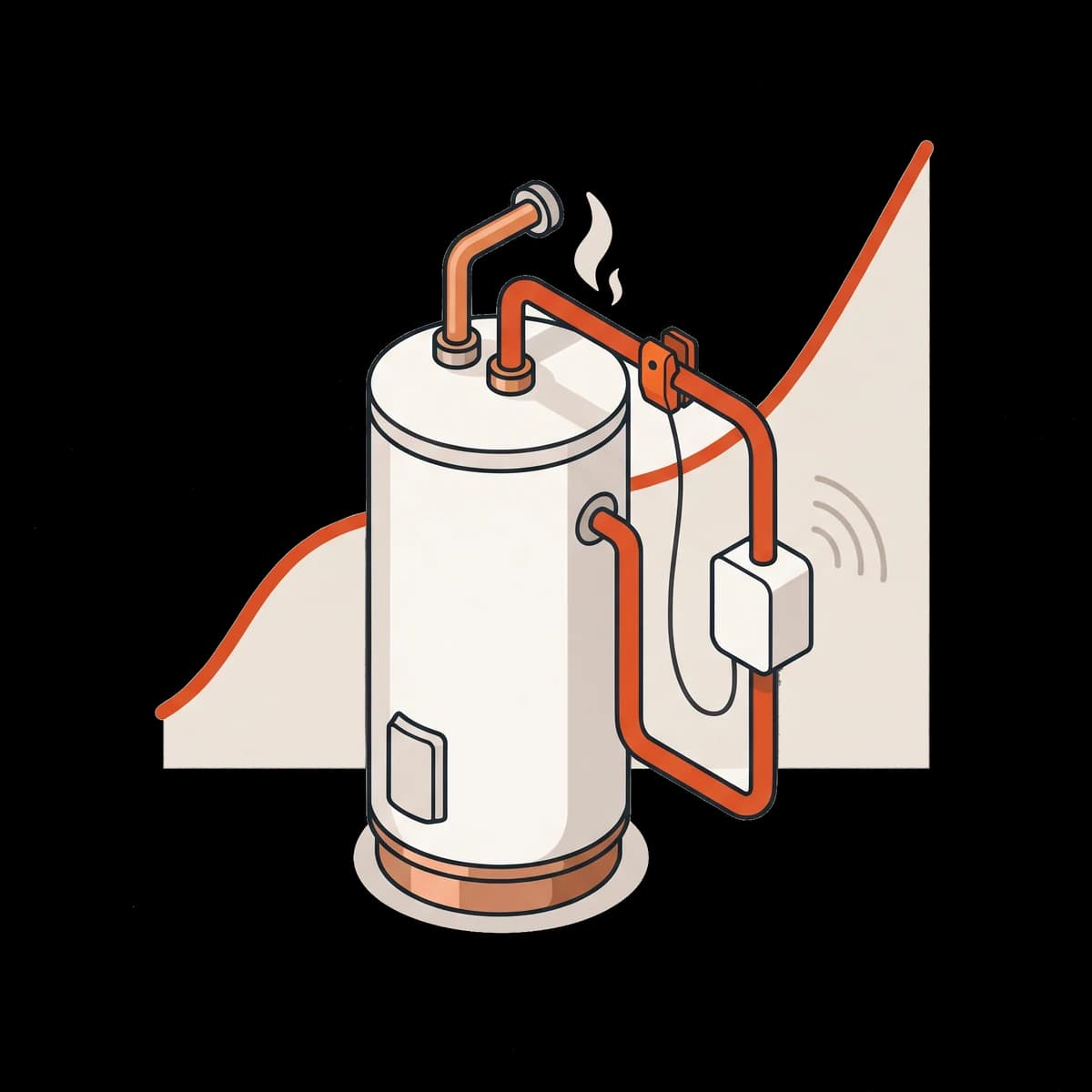
The sensor on the hot pipe leaving the water heater (harbour building), before the first branch, measures every 15 minutes and sees the hot water within that interval. Taps on the same installation together form one flushing round.
- 4
The line is in the logbook
Half an hour after the last tap the round closes. For each tap there is the time, the name and the result; if no hot water came, that is in it too, with an alert.
What you see
Three screens from the app
With made-up data, as it will look for you.
The temperature chart
The course of the day for each sensor. The jump when flushing shows that hot water came out of the installation.
The line in the logbook
Every flush with time, name and result. Nothing can be changed afterwards; a correction is a new line.
The report
Key figures, findings and the results per flushing point, for the period the inspector asks for.
Everything it does
What is in it now
Walking route per jetty
The weekly round is a list per building or jetty on the phone. A tapped tap drops off the list.
Flushing without an account
Staff tap with their own phone and the flushing password of the site. Their name is on every flush, and they do not need an account.
Alerts
A temperature outside the norm (after 3 readings in a row) or a flushing round that is not done gives an alert in the app and an email to whoever is responsible on site.
Seasonal closure and reopening
Closed buildings drop out of the flushing round during the closed season. On reopening the app prepares an extra round past all hot taps.
Report with one click
PDF, Excel or CSV over a period of your choice, and a share link for the inspector that works for 24 hours.
The laboratory still takes the samples
The laboratory results, the risk assessment and the water safety plan go into the same file as the logbook.
Who puts it up
The harbour master, in half an hour
The sensor goes on the hot pipe leaving the water heater in the harbour building, before the first branch. You plug the gateway in at the harbour office; you stick the tags at the showers and on the jetty posts.

The laboratory still takes the samples
We record the flushing in between. The laboratory results, the risk assessment and the water safety plan go into the same file.

Price
A kit, then per month
- Kit S, 1 harbour building: €395 one-off and €39 per month.
- Kit M, 2 to 3 buildings: €595 one-off and €59 per month.
- Kit L, 4 buildings: €895 one-off and €89 per month.
- Prefer to rent? Ask us.
All prices exclude VAT. From 5 buildings, a quotation to measure.
Request a pilot or a callSee first how it works in your harbour?
Ask us for a pilot or a call. The kit size follows the number of buildings with their own hot water supply.
Contact
Rather talk first?
Leave your details and we will contact you within two working days about the kit that suits your marina.