Hotels and group accommodation
Every morning one screen: which rooms stood empty for seven days or more, who flushes, and what has been recorded.
A tag per bathroom, last night's occupancy entered in one go, the circulation pipe monitored, and the report per room for the inspector.
The problem
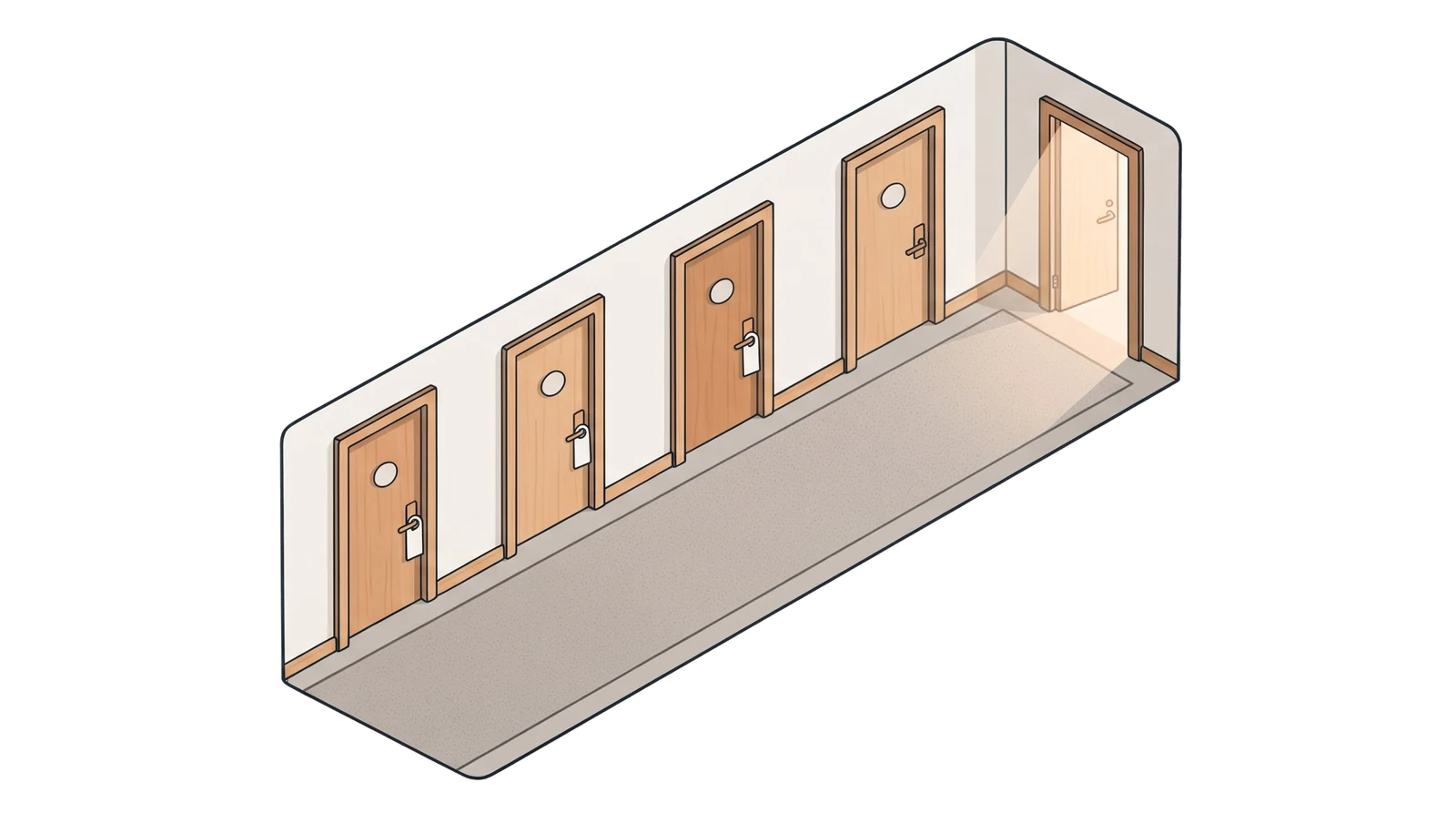
Nobody flushes an empty room by accident.
A guest flushes the pipes; a room that stands empty for a week does not.
Housekeeping does not know which rooms those are, and the list from reception does not reach the store room.
At the inspection there is no overview per room, only a sign-off sheet that says nothing about vacancy.
How it works
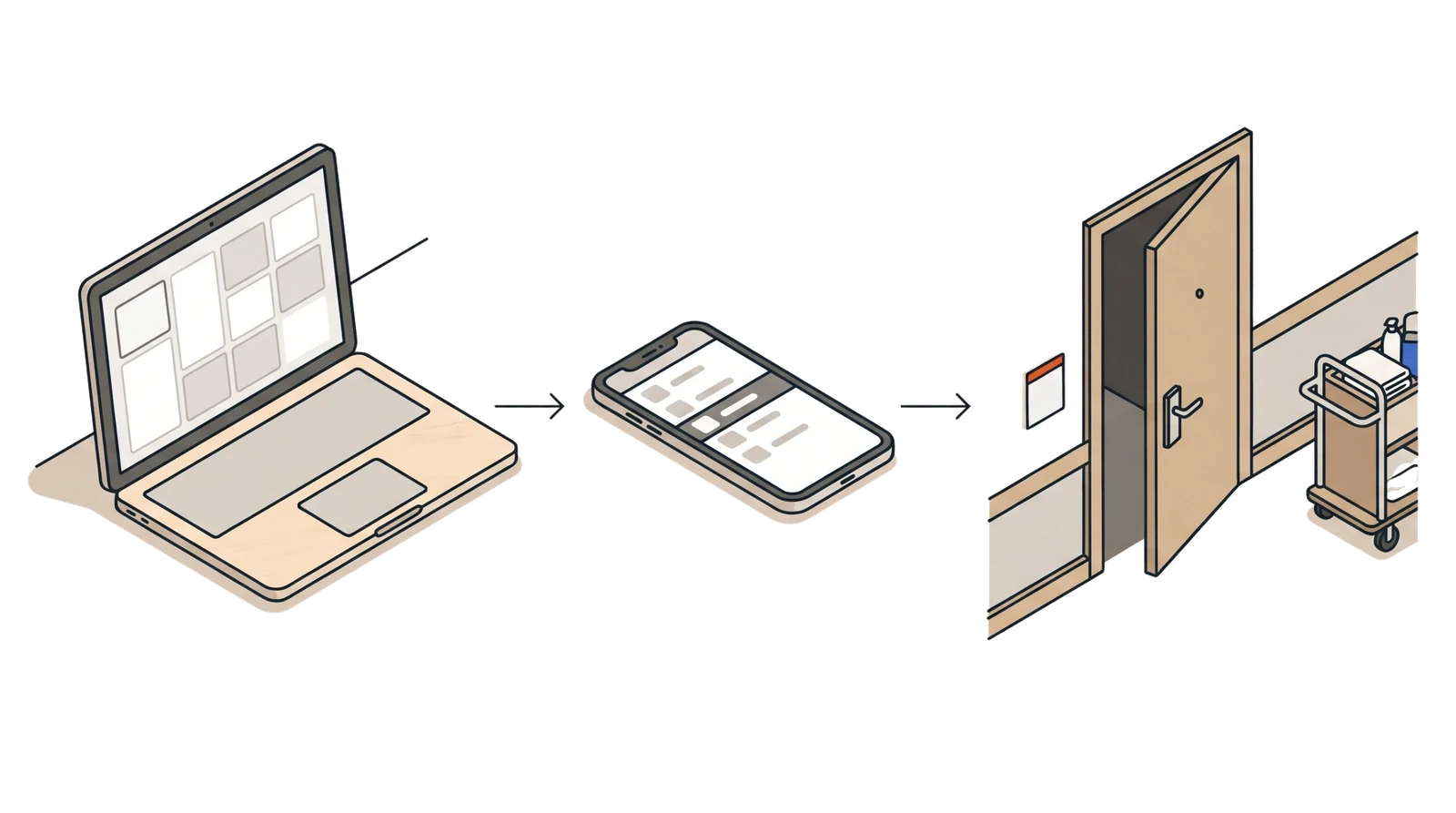
Four steps, every morning
Last night's occupancy
Reception taps the occupied rooms, pastes the room numbers or reads in the export of the booking system. Only the room column is read.
The room overview changes colour
One tile per room: green for activity less than 5 days ago, orange after that, red from 7 days. At the top it says "To flush today".
Housekeeping taps at the room
When cleaning an empty room: both hot taps open, phone against the tag next to the tap, the timer runs for one minute. No account, with the flushing password of the hotel.
The room turns green
The flush is in the logbook with time and name. An occupied room counts as through-flow for 7 days; after 14 days without a flush it goes on the list anyway.
What you see
Three screens from the app
With made-up data, as it will look for you.
The room overview
Per floor one tile per room, with 'To flush today' and the button 'Start round' for housekeeping.
1st floor: 105 · 2nd floor: 202
1st floor
2nd floor
less than 5 days5 to 7 days7 days or more
Last night's occupancy
Tap, paste or a file. You first see how many rooms are occupied and empty, and only then confirm.
11 of 16 rooms occupied, 4 empty: 103, 105, 107, 202, 208.
Out of use: 205. On today's list: 105, 202.
The report per room
Last flush, reported occupied, flushed, longest idle period and per day occupied, empty or flushed. A room that stood empty for three weeks and was flushed every week, the inspector sees at a glance.
| Room | Last flush | Reported occupied | Flushed | Longest idle |
|---|---|---|---|---|
| 103 | 16-09, 09:40 | 12 | 2 | 6 days |
| 105 | 21-09, 10:41 | 3 | 3 | 7 days |
| 106 | 14-09, 11:02 | 19 | 1 | 2 days |
Per day (day number in the period)
103 1-7 occupied, 8 flushed, 9-12 occupied, 13-20 empty, 21 flushed
105 1-3 occupied, 4-10 empty, 11 flushed, 12-20 empty, 21 flushed
106 1-13 occupied, 14 flushed, 15-21 occupied
Everything it does
What is in it now
Price per room
The subscription follows the number of rooms in three bands; the kit follows the number of buildings, with a tag per room.
Room numbers in one go
When setting up you type '101-118, 120' per floor and every room exists, with a tag per bathroom in the bag for that floor.
Morning occupancy
Tap in the grid, paste the numbers or read in the export; guest names and amounts are not read.
Thresholds per site
5, 7 and 14 days are the default; you match them to your water safety plan and record them in the file.
Housekeeping without an admin login
Flushing with their own phone and the flushing password of the hotel; name and time are on every flush.
Reminder and signals
If the occupancy has not been entered by ten o'clock, the manager gets a reminder; the time is adjustable.
The loop monitored, evidence per wing as an option
A sensor on the circulation pipe measures every 15 minutes whether the loop stays at temperature; every flush is in the logbook with tap, time and name. If you want evidence per wing that hot water flowed through the branch, that is possible with an extra probe on that branch.
What it saves
Work it out for your hotel
Only making the list, checking and signing off. The flushing itself is part of cleaning an empty room.
3hours per month
Calculated with 30 days and an empty room that goes on the list once a week.
Who puts it up
Your maintenance team, in half an hour
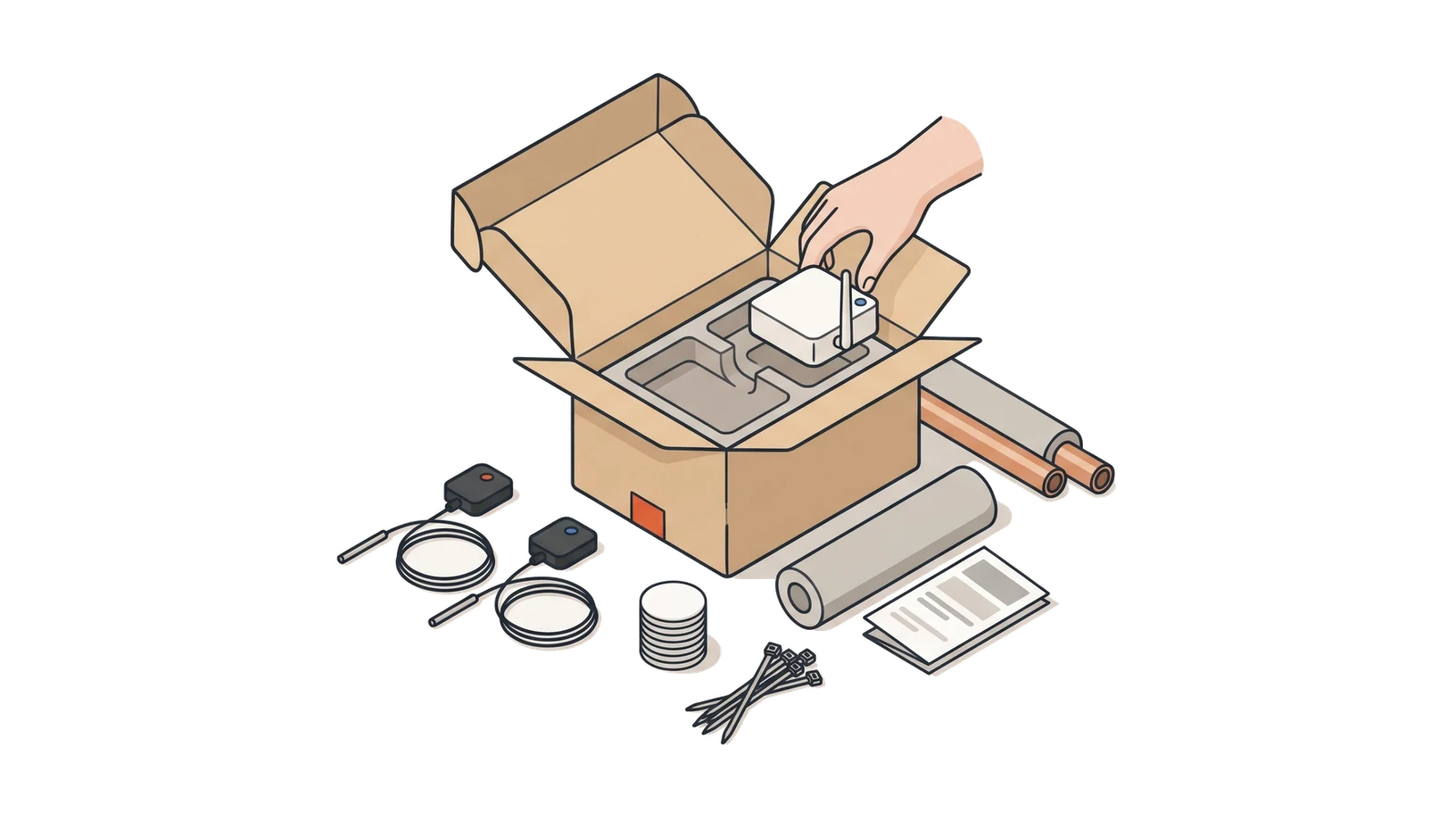
You stick the tags on the tile next to the tap in every bathroom, per floor from their own bag. If you choose sensors, you clip them onto the circulation pipe at the boiler and plug in the gateway.
The laboratory still takes the samples
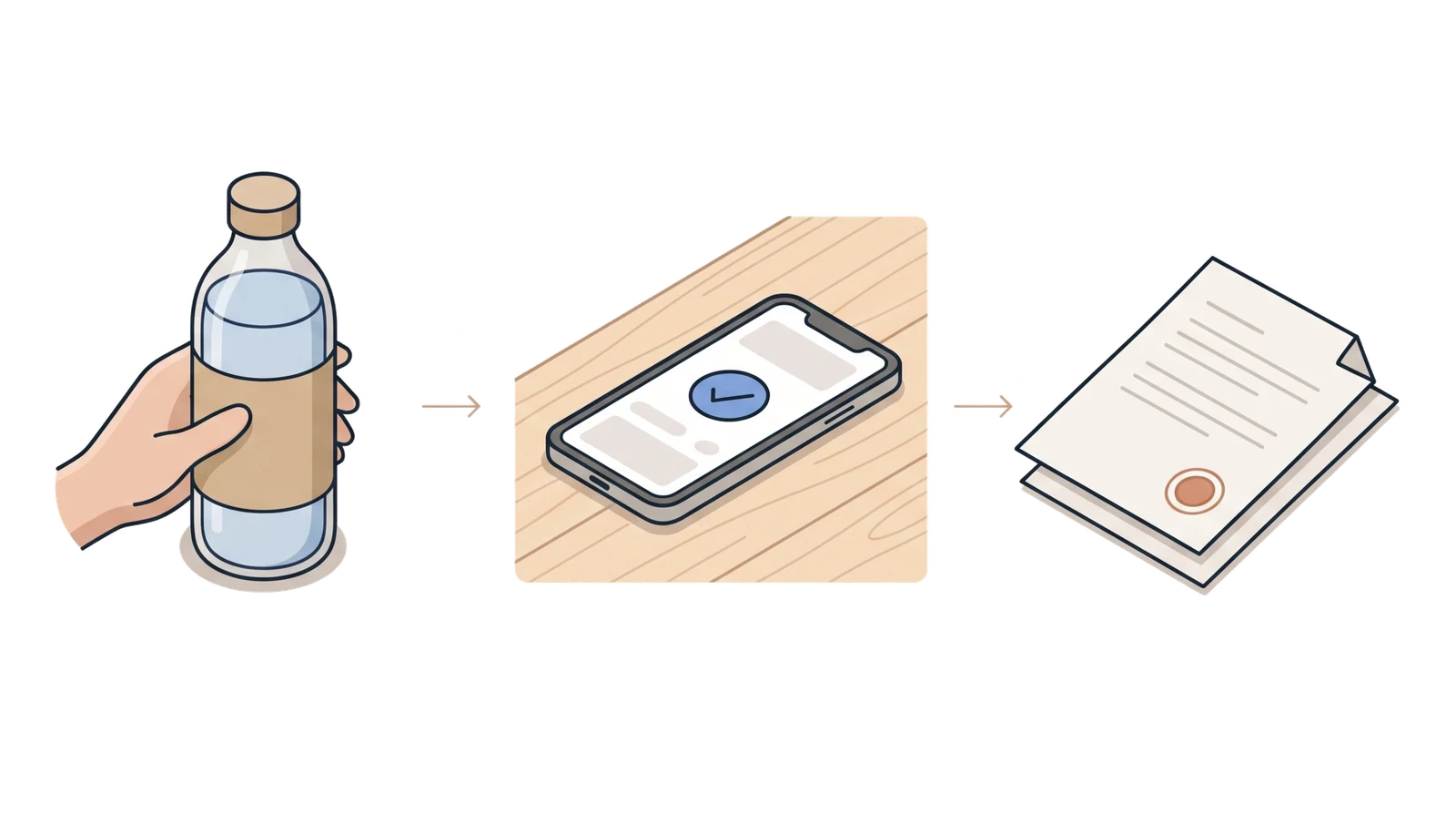
We record the flushing in between. The laboratory results, the risk assessment and the water safety plan go into the same file.
Price
Per room, in three bands
- Up to 15 rooms: €39 per month, plus the kit one-off.
- 16 to 40 rooms: €59 per month, plus the kit one-off.
- 41 to 80 rooms: €89 per month, plus the kit one-off.
- Prefer to rent? Ask us.
All prices exclude VAT. Above the highest band, a quotation to measure.
PricesIn 20 minutes on a video call
We walk through a floor with you, show how a tag works and what reception and housekeeping see the next morning.
Video call
Request a 20-minute video call
Leave your details and we will schedule a moment within two working days. Prefer a pilot straight away? Say so.