Legionella logbook for campsites, hotels, marinas and other sites with showers
The legionella logbook that shows what really happened.
Tap at the tap, the temperature comes by itself, and the report is ready when the inspector comes.
- Mounted yourself in 30 minutes, without an installer
- Works alongside your water safety plan and adviser
- Data hosting in the EU
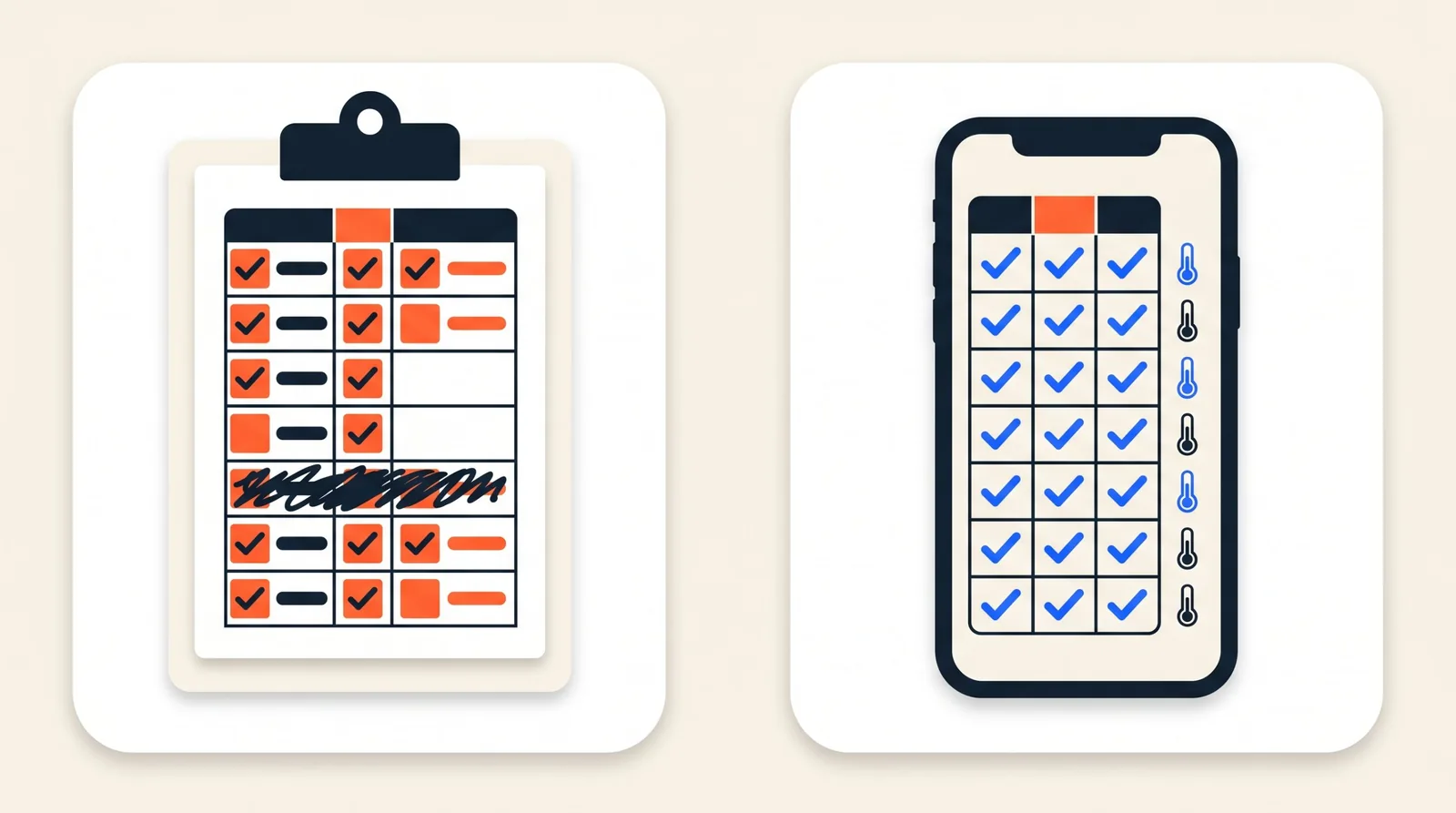
On the left the sign-off sheet, on the right the same logbook in the app.
Where it goes wrong on paper.
The week nobody was there
The caretaker was ill and the list stayed empty. Whoever fills it in afterwards writes down something they did not see, and an inspector notices that straight away.
The temperature nobody measured
Flushing is one thing, but was the water hot as well? Without a thermometer there is only a tick.
The binder that has gone missing
The inspection comes unannounced. The logbook is in the workshop, with the previous owner, or nowhere.
How it works
Three steps, put up in half an hour.
Tap
Every tap that has to be flushed weekly gets a tag. Whoever flushes holds their phone against it; the line is in the logbook with name, time and tap. Nothing to install on the phone.
shower room
Flushed
The sensor saw hot water (61.2°).
Shower 3 flushed
14:12 · 61.2° reached · Jan
Temperature
A sensor on the hot water pipe measures every 15 minutes whether the water stays at temperature. If someone flushes hot water, the jump shows in the chart; on a circulation pipe the sensor watches the loop.
Report
One button: all flushes, temperatures and findings of the chosen period, as a PDF or as a link for your adviser or the inspector.
Honest about evidence. Where a sensor sits on the pipe, the app confirms that hot water went through the pipe after the tap. Where there is no sensor, the tap records the flush. The report always says which of the two, and that is exactly what an inspector wants to know.
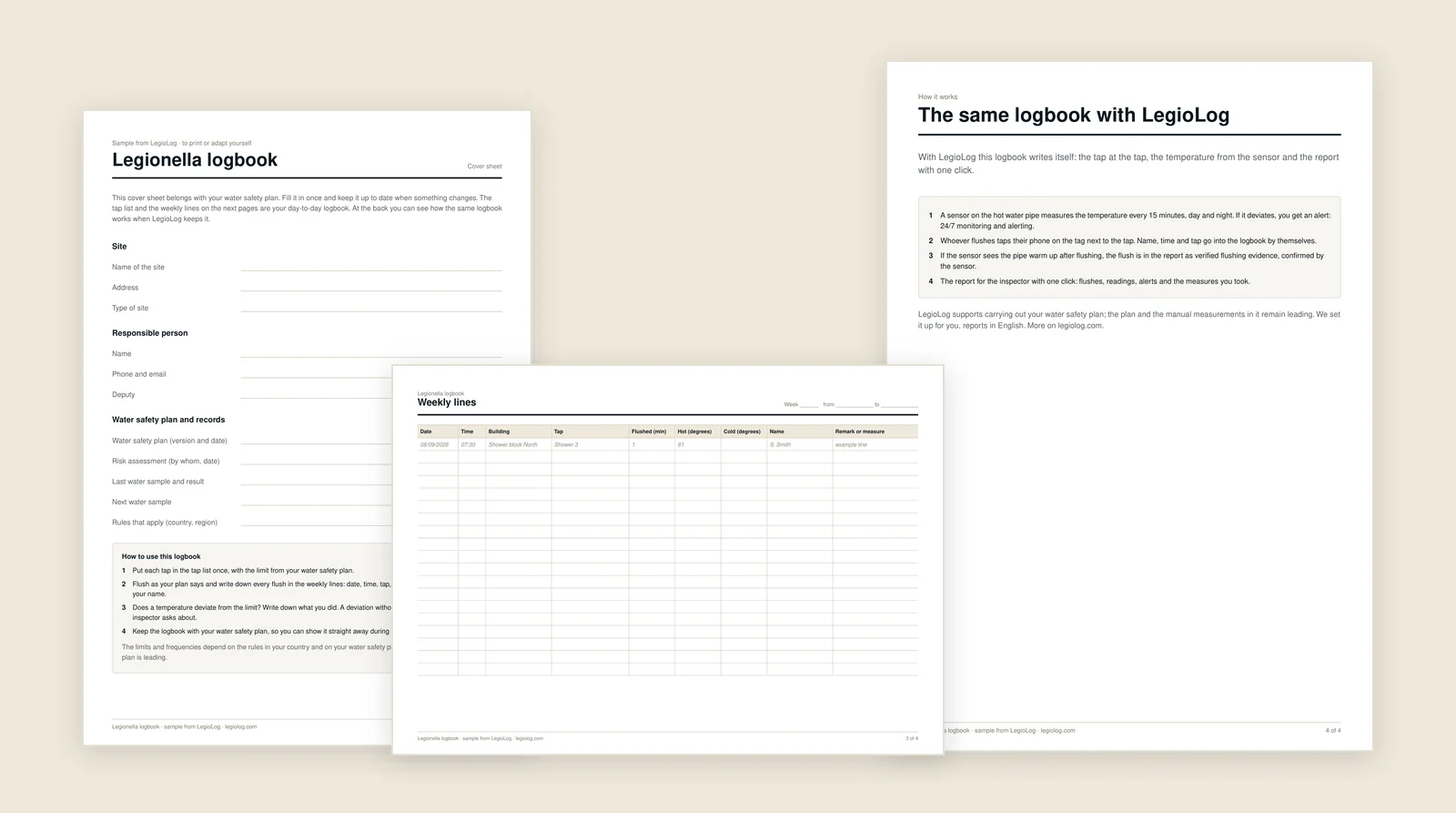
- Free
- PDF and Excel
- No account needed
The next step
Want to see it working?
Read how it works step by step, look at the prices, or ask us for a pilot or a call. You choose.
A pilot or a call
Tell us about your site. We contact you within two working days and work out the kit size and the price with you.
How it works
Step by step: the tag at the tap, the sensor on the pipe and the report for the inspector.
The prices
A kit you mount yourself, one-off, and a subscription per month, by the number of buildings.
Questions
Questions about the legionella logbook
Good to know. LegioLog does not replace your risk assessment, your water safety plan or the samples from the lab. You upload them in the app, so everything is in one place when there is an inspection.
Would you rather talk first?
Get in touch