For legionella advisors and consultancies
For legionella advisors: all your clients in one overview
You write the water safety plan, your client carries it out. You see which client flushes and measures and where an alert is open; the client keeps his own logbook.
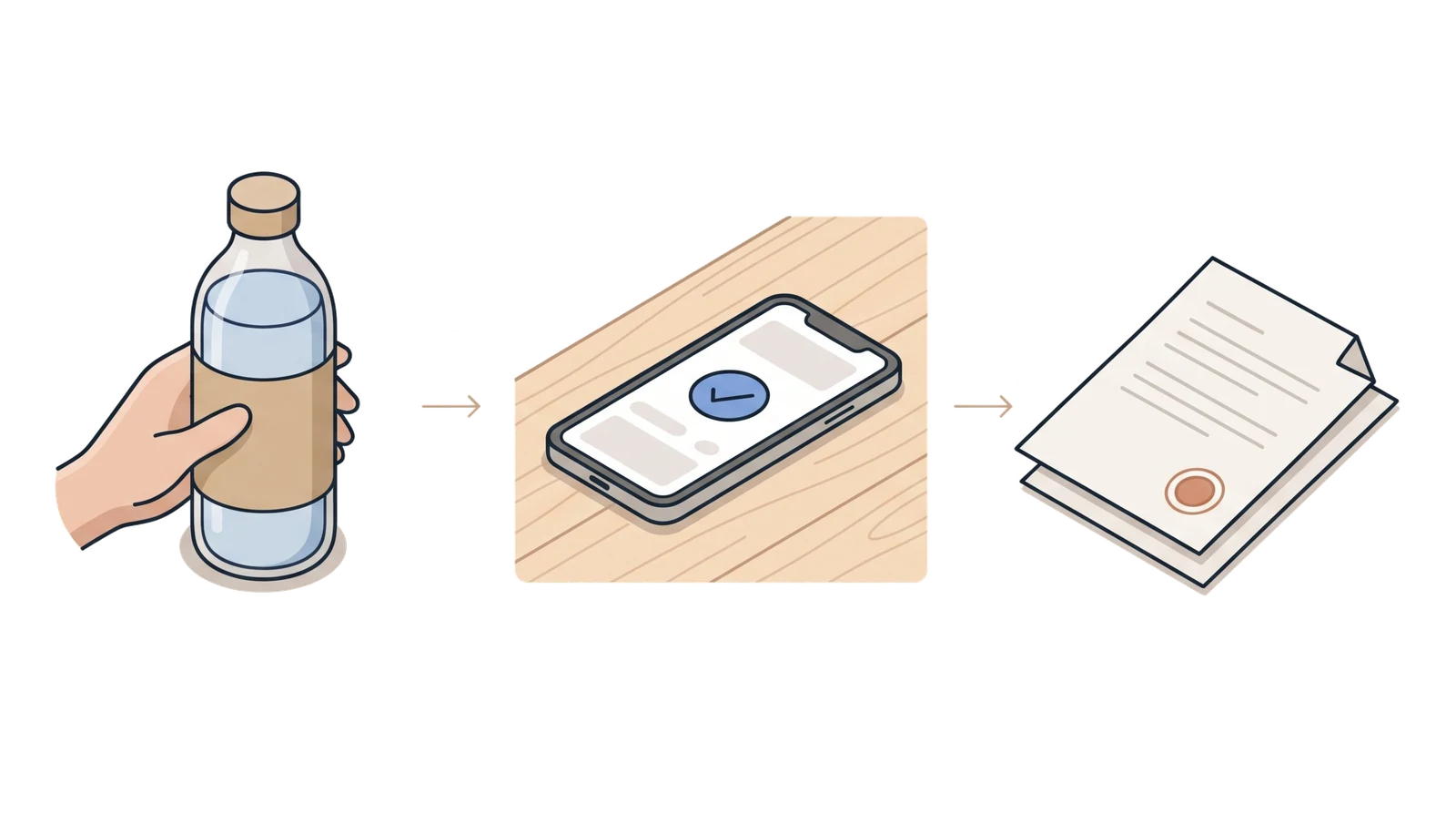
The gap between two visits
The water safety plan is right. Whether it is carried out, you only see at the next visit.
Between two visits you do not know whether the taps were flushed every week, whether the water heater stayed at temperature and who called when something went wrong.
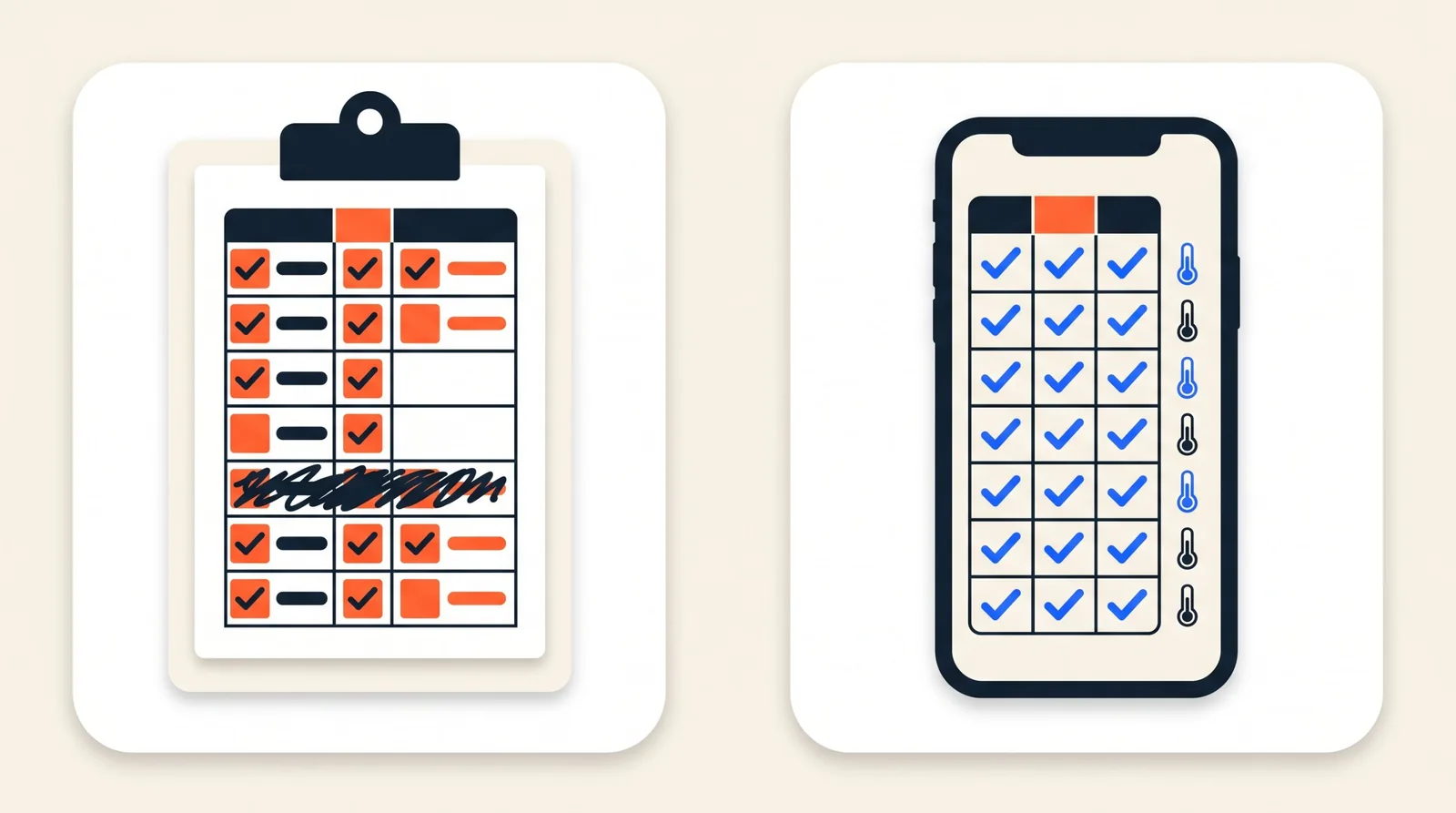
What you get to see is a sign-off sheet. It tells you who initialled it, not whether hot water came out of the tap.
And when the inspector visits, the client calls you to ask what he should show.
The portfolio
All your clients in one overview, red at the top
Every client linked to your consultancy appears in your portfolio. For each site you see the status, the open alerts, the tasks that are overdue, how many of this month's sensor messages came in and the latest recorded report. Switch on the filter Needs action and you know whom to call today.
- Red: a critical alert, an overdue task or a silent sensor.
- Amber: an ordinary alert, or a finding in the latest report.
- Green: nothing is open.
Portfolio
4 sites at 4 clients
Seaview Campsite
Seaview Leisure · Flushing round overdue
1 opencoverage 98%Action neededDunes Holiday Park
Dunes Parks Ltd · Alert: hot water too cold
1 opencoverage 100%AttentionEast Quay Marina
East Quay · Nothing open
0 opencoverage 99%In orderThe Crown Hotel
The Crown · Nothing open
0 opencoverage 100%In order
Example with made-up sites. This is what the portfolio looks like in the app.
What you can do as an advisor
Keep an eye on things without taking over the client's logbook
View, or also record
You read and download everything for the sites linked to you: measurements, flushing rounds, alerts with the action taken, documents and reports. If the client gives you execution rights, you can also record measurements, results, file documents and actions there, in your own name. You never see prices, invoices or guest details.
Your logo on the inspection report
Upload your logo and it appears in the header of every inspection report of your clients, with "Advisor: name of your consultancy". The inspector can see who is involved in the water safety plan.
All reports for a month in one go
Choose a month and you get a zip with a folder per client: the inspection report and the findings page as PDF. A client without a report for that month is listed in a readme, so you know nothing has been forgotten.
Flushing evidence per flushing round
The sensor on the hot pipe measures every 15 minutes and shows for each flushing round whether hot water came out of the installation. On a circulation pipe it monitors the loop; there is no evidence per tap there.
Alerts with an action
An alert stays open until the client records what was done. In the report every alert shows the action taken, or in red that it is missing.
Your team, per client
All staff of your consultancy can view. If you want a colleague to see only some of the clients, tick those clients under Team and access.
The inspection report
Your name is on it, the client stands behind it
The report belongs to the client: he records it, with a number and a check code, and hands it to the inspector. Your consultancy appears in the header, next to LegioLog. In his settings the client sees that you are viewing and can withdraw that per site; from the next report your logo is no longer on it.
Advisor: Your consultancy
Legionella inspection report
Seaview Campsite
Report
LL-2026-000412
Period
1 to 30 September 2026
Status as of
30-09-2026
Example of the header of an inspection report.
Linking a client
Two ways, and the client decides
- 1
An existing client
Invite the client from your portfolio, at the email address of his account owner. He chooses which sites you see and whether you only view or also record, and approves it. He then appears in your portfolio; he can always withdraw access himself, per site. The client can also invite you, in his settings.
- 2
A new client, as a partner
If you are a LegioLog partner, your portfolio has the button Register a new client. It opens the order page with your consultancy already filled in. The client chooses his kit, orders and pays himself, and is then linked to you automatically.
Becoming a partner
For consultancies that register clients themselves
Partners register clients through their portfolio and build up a fee on those clients. Under Payouts you see per quarter what has been built up, per line open or paid, and as a CSV file.
- We set out the partnership in an agreement with your consultancy. Ask about the terms.
The monthly measurement
Your water safety plan decides how measuring is done
The client measures every month at each measuring point with the thermometer, as your water safety plan prescribes, and records the value in the app. Each measurement is in the logbook with who took it and when, and a value outside the limit stays visible until the client records what was done.
What LegioLog does not do
Your work stays your work
- LegioLog does not make a risk assessment or a water safety plan. That remains the work of your consultancy.
- LegioLog does not take samples. A laboratory does that; the result goes into the client's document vault.
- LegioLog supports carrying out the water safety plan: flushing, measuring, alerts and the logbook that writes itself.
Questions
What advisors ask us
Would you rather click through it yourself, call us or talk first?
Click through the app yourselfGet in touchShall we look at it together?
In a fifteen-minute call we show you the portfolio with an example client and discuss how it fits your consultancy.